
Live on Digital Lizard
🏈 NFL Sundays🏀 NBA🏒 NHL🥊 UFC fight nights🥊 Boxing PPV⚾ MLB🤼 WWE⚽ MLS & Premier League
Digitalizard IPTV carries 19,750+ live channels and a 71,000+ film and series library, streamed in 4K, FHD and SD from servers built to hold a steady picture through a Sunday kickoff. One subscription covers Firestick, Android, iOS, Smart TV and your computer — set it up in about ten minutes.
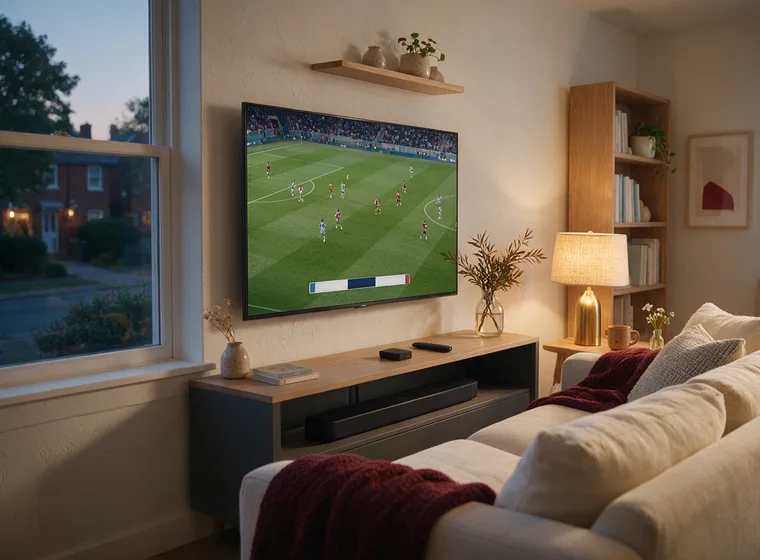
An IPTV subscription replaces the aerial and the cable contract with a login. Here is what that login gets you, in plain terms.
Sport, news, kids, music, film and a deep international shelf — grouped by country and genre rather than dumped in one endless list, so finding the match you want takes seconds and not scrolling.
Firestick, Android, Apple TV, iPhone, Smart TV, laptop. Your plan decides how many of those can play at the same time; it never limits which ones you are allowed to install on.
Anyone can hold a picture at 3pm on a Tuesday. Capacity is sized for kick-off, when everyone tunes in at once — that is the moment a cheap line falls over and the reason we do not oversell one.
Choose a term, choose how many screens, pay, and your details arrive by email. Most people are through setup and watching before the kettle boils — and the 24-hour trial needs no card at all.
A connection is one screen playing at once, not one device you are allowed to install on. Set the tab to the number of people who watch simultaneously in your house, then choose how long you want the line for — the longer the term, the lower the monthly equivalent.
Identical on every plan: the full 19,750+ channel list, the 71,000+ title on-demand shelf, 4K where the broadcaster provides it, the EPG, and support. Term and simultaneous screens are the only variables — nothing is held back for a higher tier.

Not a feature list for its own sake — these are the six parts of the service people ask about before they buy, and what each one means in practice.
19,750+ feeds covering news, entertainment, children’s, lifestyle and regional broadcasters, carried at whatever resolution the source puts out — up to 4K where the broadcaster provides it.
Whole runs of a series sit in the library rather than a rolling window, so starting at episode one in season three does not mean waiting for a repeat.
71,000+ titles across recent cinema releases, back catalogue, world cinema and the family shelf, searchable by title rather than buried in a carousel.
Domestic and international football, the major live sport seasons, MMA and boxing cards, tennis and motorsport — including the pay-per-view nights that normally cost extra.
A populated programme guide several days deep, so you can see what follows the match without flicking through channels to find out.
Setup problems, a channel that has moved, a billing question — email or live chat reaches someone who has the answer rather than a ticket queue.
Firestick, Android phones and boxes, Apple TV and iOS, Samsung and LG Smart TVs, Windows and Mac. Install on as many as you like — your plan caps how many play at the same moment, not how many you set up. If you are setting up for the first time, it helps to have your device's own guide open alongside ours — Amazon's Fire TV hub, Google's Android TV help centre, and Apple's tvOS user guide cover the device side of the install.
Domestic league football and the European nights, the major live sport seasons, MMA and boxing cards, wrestling, tennis and motorsport. The pay-per-view events that get billed separately almost everywhere else are carried on the same line — you are not asked to top up on fight night.
Get your plan →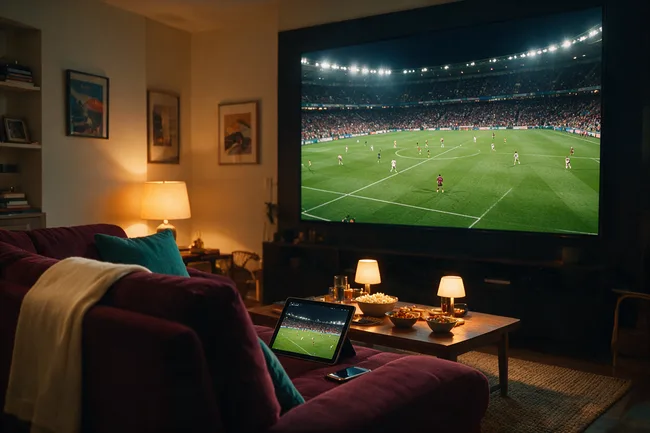
The app carries the full channel list, the on-demand library and the programme guide, and picks the stream variant your connection can hold — 4K down to SD — rather than stalling on the highest one. It installs from the Downloader app on a Firestick, from the store on Android and Smart TV, and there is no dish, aerial or set-top box anywhere in the process.
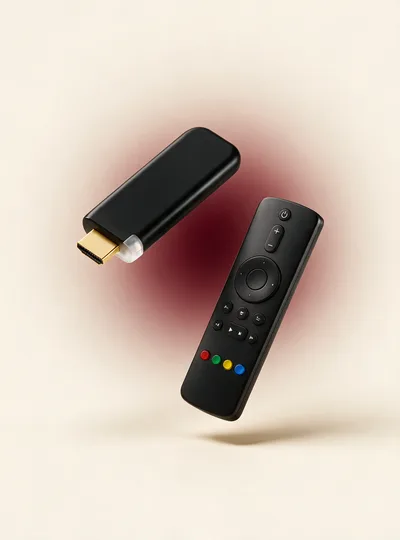
First you choose a term and a number of simultaneous screens on the pricing page. Then your login details arrive by email, normally within a few minutes of payment clearing. Then you enter them once into the player on whichever device you are starting with — the setup guide covers Firestick, Android, iOS, Smart TV and desktop separately, because they each want the details in a slightly different place. Nothing is posted to you and there is nothing to plug in. More on how the service is run →
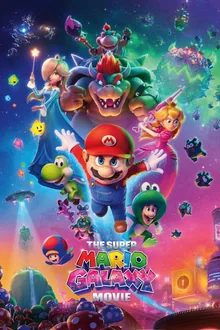
A sample of what is sitting in the film shelf right now — recent releases alongside the back catalogue, all included rather than rented per title.
 NEW
NEW
 4K
4K
 HD
HD
 4K
4K
 NEW
NEW
 HD
HD
 4K
4K
 NEW
NEW
The four that come up most often. The full FAQ goes further, and the setup guide covers installation device by device.
“Installed on my phone and tablet the same day. Live sports and movies both look clean, no freezes.”
“Huge channel list and the 4K streams stay stable on my home Wi-Fi. Set it up with Downloader, no hassle.”
“Finally dropped cable. Setup took one evening and the bill is way lower than what I was paying.”