Get the Digitalizard IPTV app on your device
The app carries the whole channel list, the on-demand library and the programme guide, and steps the stream down through 4K, FHD, HD and SD to match the line you are on rather than stalling on the highest one. Nothing is posted to you and there is no box to plug in.
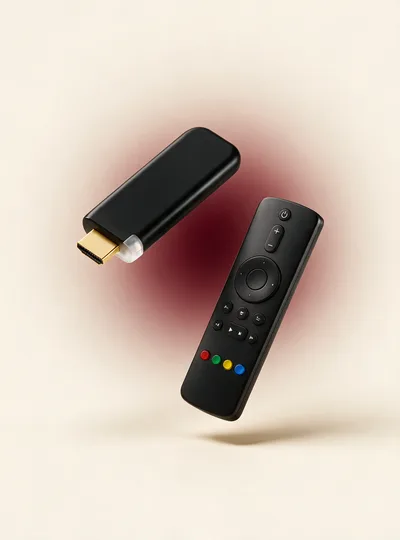
Pick the row that matches what you are installing on. Firestick users almost always want the first one.
Use the Downloader app on your Firestick or Android TV box. Open Downloader and enter the code below to fetch the Digitalizard IPTV APK directly.
On an Android phone or tablet, the store version installs like any other app. If your device asks about installing from an unknown source, allow it for the browser or file manager you are using, then continue.
the Digitalizard IPTV app pageOn Samsung, LG and Sony sets, install a player from the TV’s own app store and enter your line details into it. The setup guide gives the exact menu path for each brand, because they all bury it somewhere different.
Download APKInstall it on as many devices as you like — your plan limits how many play at once, not how many you set up.
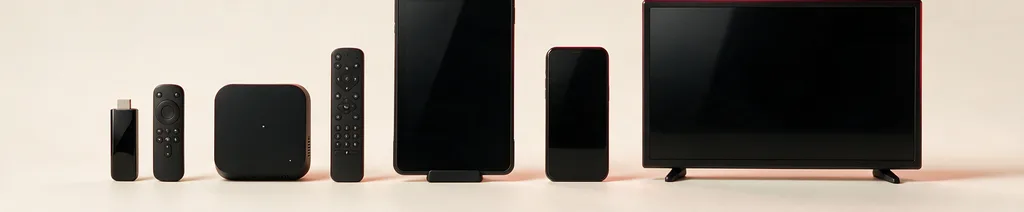
Three things happen, in this order. Most people are through all of them inside ten minutes.
Install the player — Downloader code 5728794 on a Firestick, or the platform store on Android and Smart TV.
Open it and type in the line details from your email. This is the only time you will enter them on that device.
The channel list and the film library load, and the programme guide fills in behind them.
If you have not bought a line yet, a 24-hour trial gives you real details to type in — no card needed.